 Built for macOS · Menu Bar
Quick glance, always accurate.
Track every city you care about — live local time, weather, and instant time conversion — without ever leaving your menu bar.
 Built for macOS · Menu Bar
Track every city you care about — live local time, weather, and instant time conversion — without ever leaving your menu bar.
TimeZoneBuddy+ keeps the world an arm's length away — searchable, sortable, and always in sync.
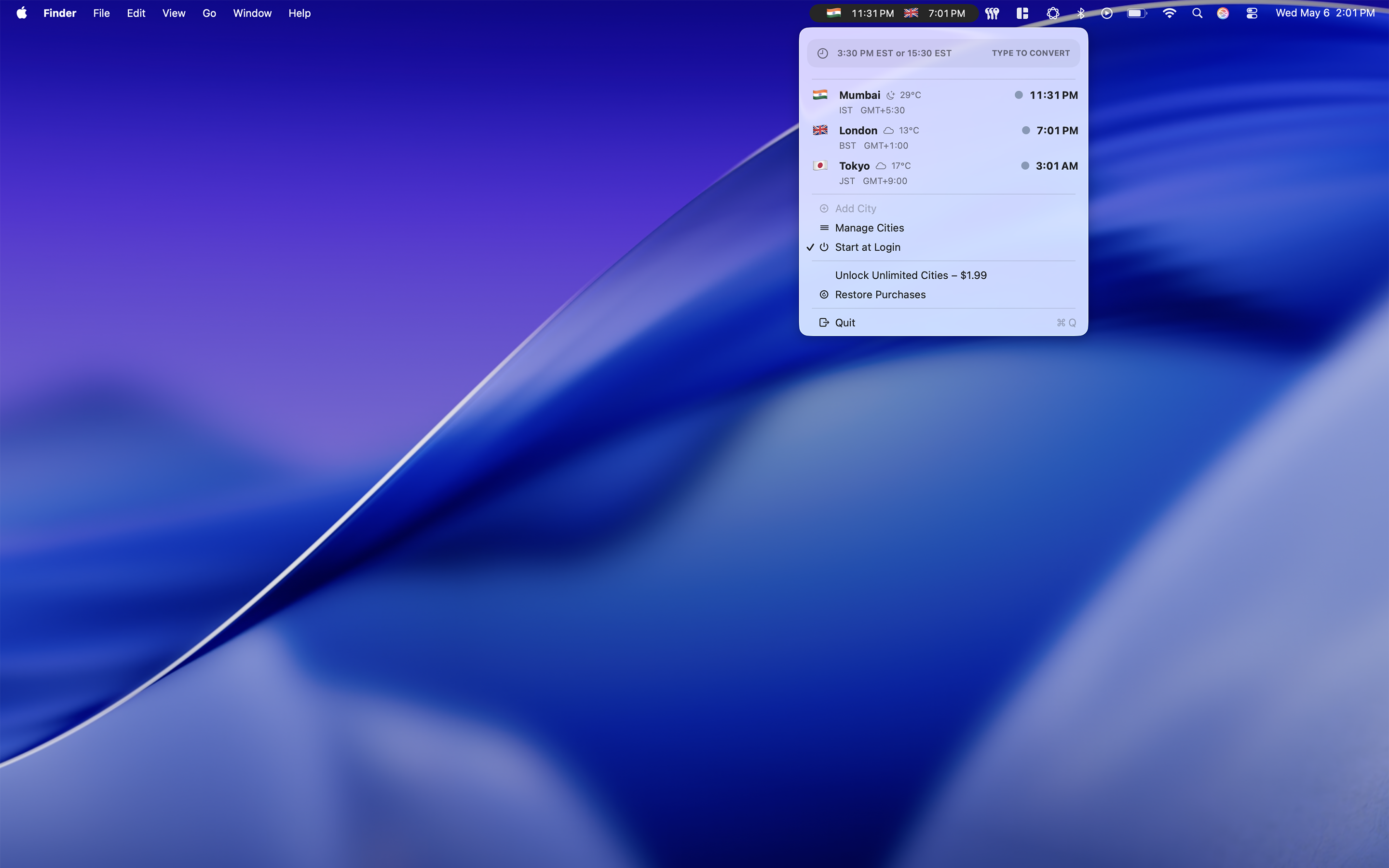
Your tracked cities and their current local time are one click away — no Dock, no window, no clutter.
Each city shows a condition icon and temperature, powered by WeatherKit. Toggle Celsius or Fahrenheit anytime.
Type something like 3:30 PM EST and instantly see it converted across every city you track.
Add any city from a comprehensive list. Country flag, time zone abbreviation, and GMT offset on every row.
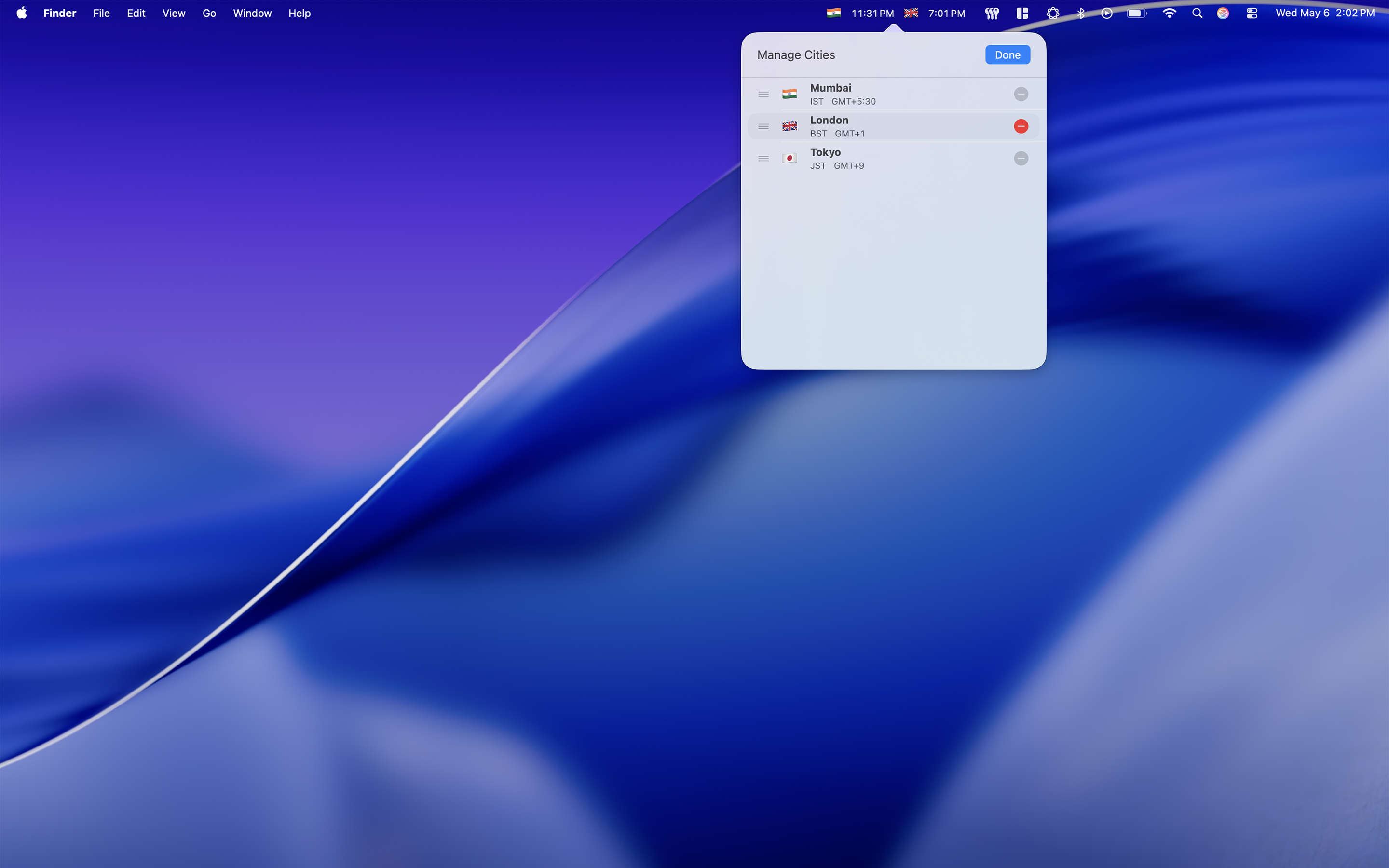
Put your most important cities first. Reorder your list with a simple drag — your layout, your priority.
Your cities follow you across Macs. CloudKit-backed syncing keeps every device showing the same list.
TimeZoneBuddy+ is built around a simple principle: get out of your way the moment you've answered the question.
Click the menu bar icon and your tracked cities open instantly — local time on the right, country flag and GMT offset on the left, weather tucked in between.
Add, remove, and reorder cities in a clean management view. Drag a city up to make it your anchor zone, or remove ones you no longer need with a single click.
Start with a handful of cities at no cost. When your world gets bigger, unlock 25 cities tracking with a single in-app purchase.